How PickRV works
From search to keys, the calm way to rent.
The whole thing told once — what a renter does, and what an owner does.
Renting a rig, six steps
From "where should we go?" to "see you next trip." Each step is exactly what it says, with nothing hiding behind it.
Step 1: Search
Start where you're going.
Pick a state, a city, or a type of rig, add your dates, and narrow down to the vehicles that actually fit the trip. Listings show real photos and real specs.

- Motorhome
- Campervan
- Travel trailer
- Boat
- Off-road
- Classic tourer
Step 2: Compare
Line up your shortlist on the same rows.
Nightly price, class, sleeping capacity and pickup point, side by side. The nightly price on the listing is the one you plan around.
Campervan
Shortlisted
Motorhome
Your pick
Trailer
Shortlisted
- Nightly price
- Class
- Sleeps
- Pickup point
Step 3: Book
Send your dates and pay through Stripe.
Your card details never touch the owner. Bring your own coverage: confirm that your personal auto or RV policy covers rentals before pickup.

- Nightly price× your nights
- Service fee10%
- State taxby state
Your totalone numberEvery line is on screen before you confirm.
Step 4: Pick up
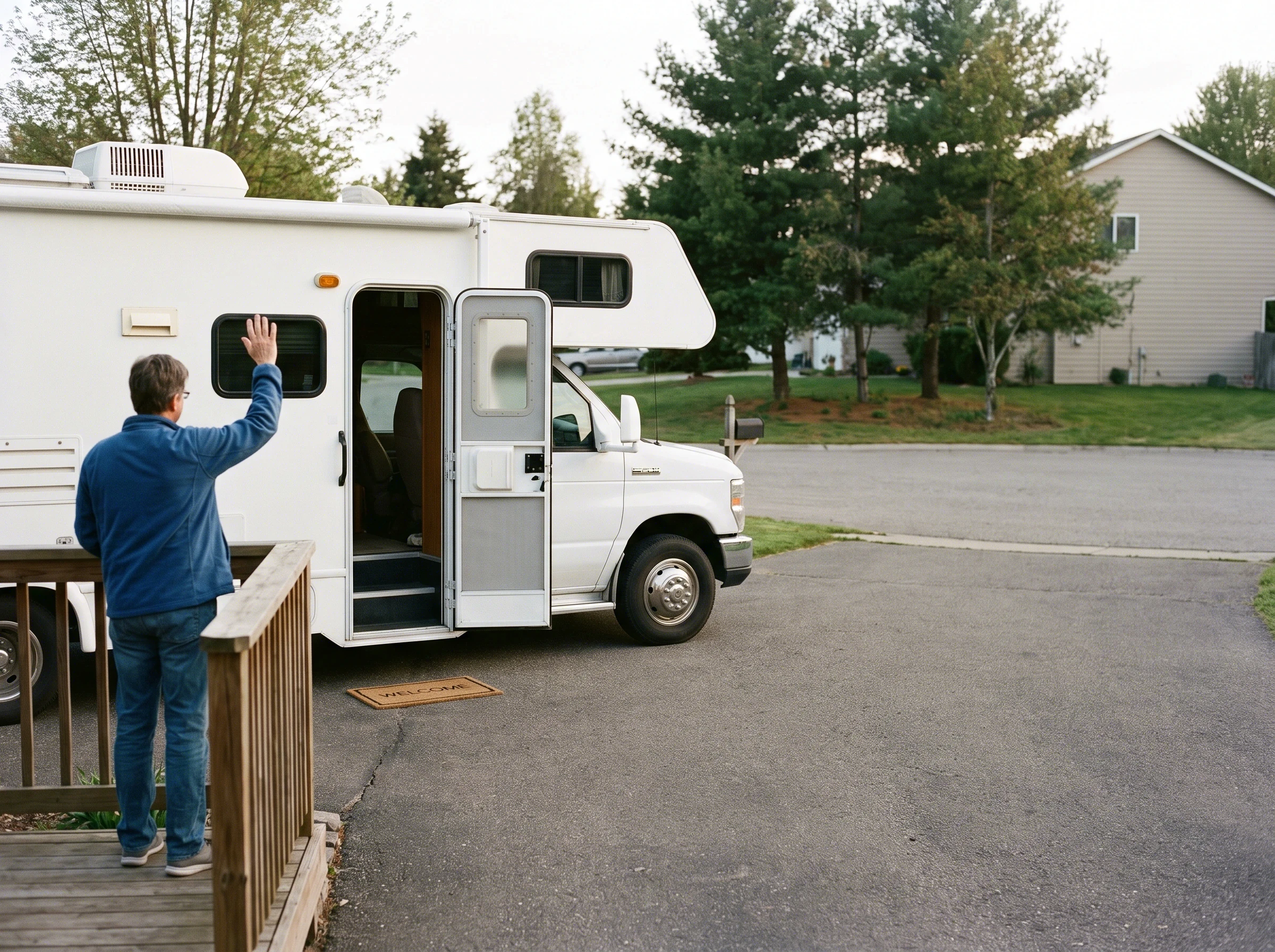
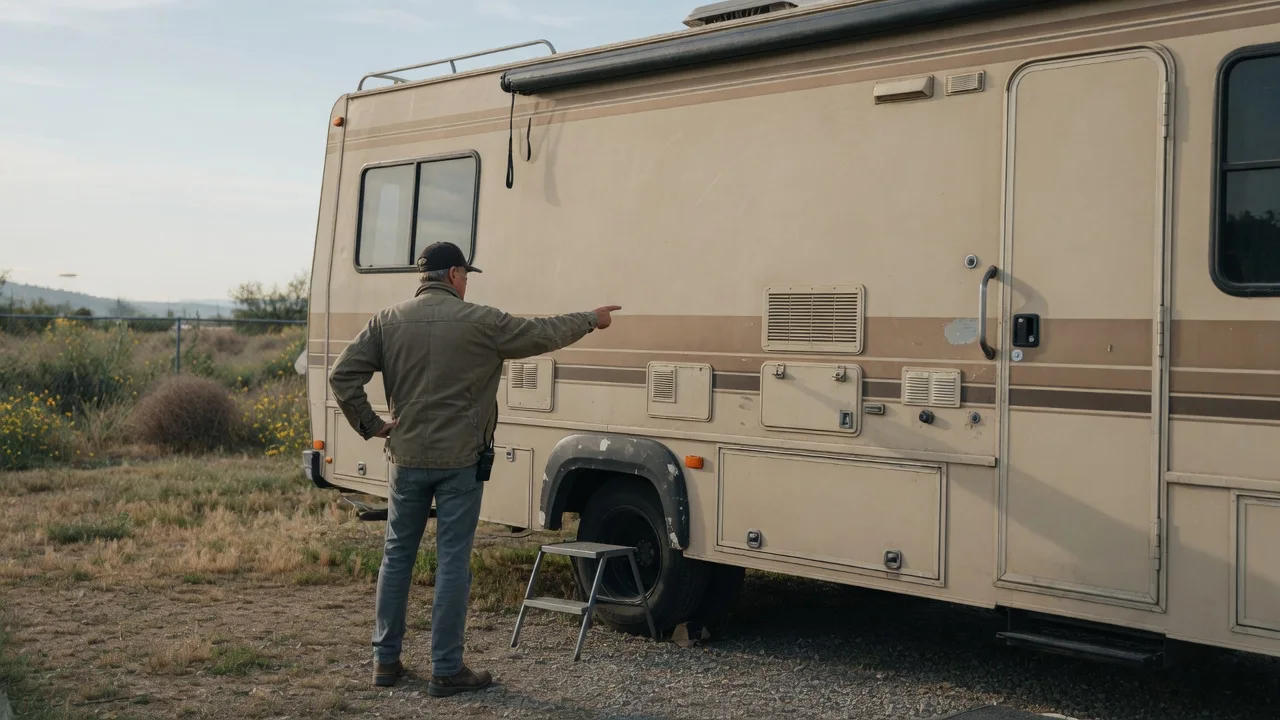
Meet the owner and walk the rig together.
Controls, tanks, hookups, house systems — then a few photos side by side, so the condition is agreed before you roll out.
Bring a valid driver's license. Some states set age or endorsement rules for larger vehicles, boats and off-road rigs; those are flagged on the listing.
- Controls
- Tanks
- Hookups
- Photos
Step 5: Drive
The rig is yours for the trip.
Message the owner through PickRV if anything comes up on the road, and lean on our route and campground guides for the stops in between.
Step 6: Return
Bring it back and close the loop.
Return at the agreed time and place, refuel and empty tanks the way the owner asked, then a short closing walkthrough and you are done.
48-hour full rental refund
The owner's telling
Own a rig? Your side is three beats
Same platform, different job — and the owner's page has the numbers.
- 1
Build the listing
Photos, specs, your free dates, and the base nightly price you keep. Free to list, about ten minutes.
- 2
A person reviews it
Someone on our team reads the real listing — the photos, the specs, the price — before it goes live. You hear by email either way.
- 3
Go live and get paid
Requests arrive with dates and the renter attached. 2 days after the trip ends with a verified 6-photo pickup walkthrough, else 7 days; Stripe then sends a standard US bank transfer — PickRV does not set the bank post date
How the money works
You set your own price, calendar and rules — and every booking's exact total is itemized for both sides before anyone pays.
Partner hosts pay 10% instead of 15% with no end date — by invitation, or automatically at 3+ active listings.
See the owner's pageWhat makes it feel safe
No invented numbers, no carrier name-drops, no pressure.
- Final price at checkout
- The nightly price you see is the one you plan around. No surprise add-on at the end.
- Bring your own coverage
- PickRV does not sell or offer coverage. Renters arrange their own; hosts may carry a commercial policy. We are not an insurer.
- Secure payments
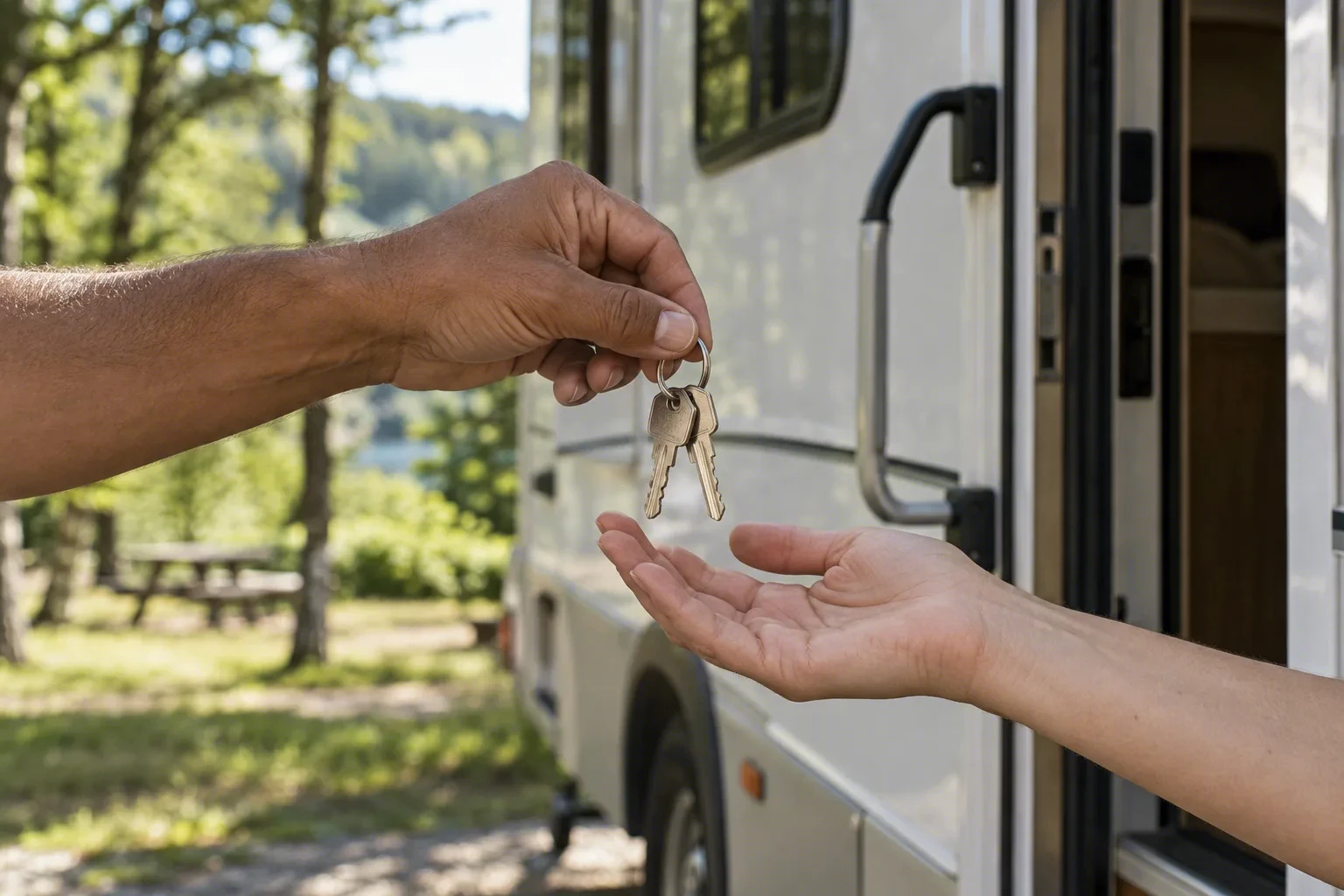
- Every booking runs through Stripe. Your card details never touch the owner.
- 48-hour full rental refund
- Plans change. Cancel at least 48 hours before pickup and the rental charges come back in full.
- Verified owners
- Every owner approved so far was identity-verified first. Trip counts appear only once real trips happen.
- Clear for visitors
- Plain US English, open pricing and per-state rules — the same whether you're local or flying in.
Fair questions
Your trip starts with one pick
Choose a state or a vehicle type. We'll handle the rest.